0 mirrors · Android · Free
Download How to Reset IQOS Multi
We’re working on additional download mirrors for this title. In the meantime, return to the overview.
- Operating system
- Android
- File size
- 259 KB
- License
- Freeware
- Filename
- —
0 mirrors · Android · Free
We’re working on additional download mirrors for this title. In the meantime, return to the overview.
0 available
No download mirrors are currently available for How to Reset IQOS Multi.
Back to overview →About this software
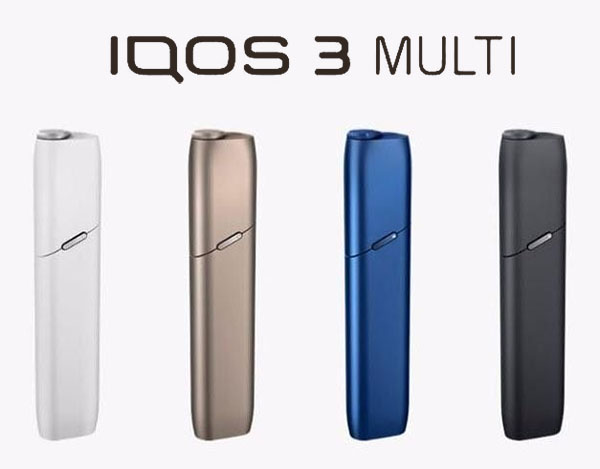
To Reset IQOS Multi press and hold IQOS Multi Button for ten seconds then release the button, the Status Light blinks twice until fading to idicate that the reset is done.
Read the full How to Reset IQOS Multi review and feature list →
Tips
If a mirror is slow or temporarily offline, just pick another from the list above — every mirror serves the identical 259 KBfile. Each link launches a brief 5-second redirect page so we can track which mirrors are healthiest.
At a glance