Overview
What is ShellSearch?
Find misplaced shortcuts in several of Windows most commonly used shell locations fast just by entering a few letters of their names.
In depth
A closer look at ShellSearch
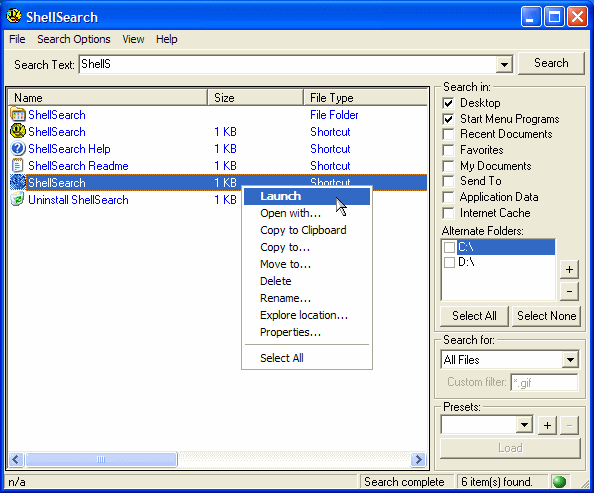
Constantly searching for misplaced shortcuts on your Desktop, Desktop sub-folders, Start Menu, Internet Favorites menu, etc.? This program helps you find misplaced shortcuts or any other types of files quickly and easily in any combination of Windows most commonly used shell locations such as those mentioned above and many more. Just enter a few letters of the file's name and let the program do the rest. Features many options to streamline searches and customize results display. Results can be launched and managed (move, copy, delete, etc.) from within the program with a few mouse clicks or via drag-and-drop.
Requirements
System requirements
VB6 Runtime
Verdict
Should you download ShellSearch?
ShellSearch runs on
Windows 10/11
and is available under the
Shareware
license
— the installer is 791 KB.
We’ve catalogued it under
File Managers.
✓
Verified clean. Every ShellSearch build on SoftLookup is scanned for viruses, spyware, adware, trojans and backdoors. We re-test on every update.
Sponsored
At a glance
ShellSearch specifications
- Last updated
- Feb 9, 2025
- Requirements
- VB6 Runtime
- License
- Shareware
- Operating system
- Windows 10/11
- File size
- 791 KB
- Price
- $14.95
- Page views
- 445
Help fellow users decide. Share your experience with ShellSearch.