Overview
What is ZapSnap?
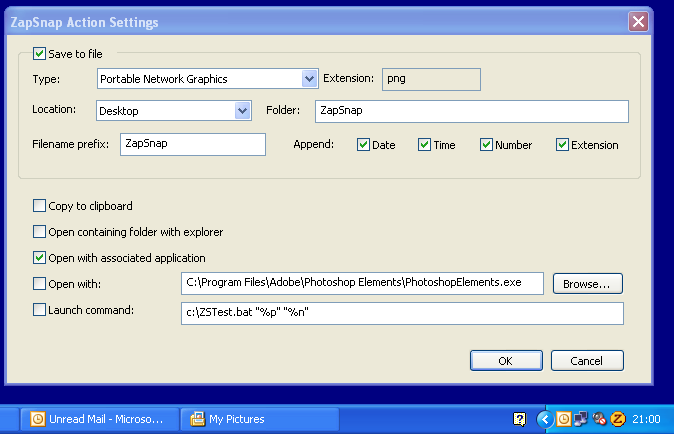
Easy and complete screen capture solution. Select any part of your screen with 3 mouse clicks or hotkeys, and save it as BMP, JPEG, GIF, PNG, ICO, clipboard, and more. ZapSnap can also open the saved image or its folder, or launch any command.
In depth
A closer look at ZapSnap
ZapSnap installs itself to the Windows icon tray with minimal resource usage. Use the mouse or the hotkeys to grab the screen, the active window/client area or any screen region.
Verdict
Should you download ZapSnap?
ZapSnap runs on
Windows 10/11
and is available under the
Shareware
license
— the installer is 750 KB.
We’ve catalogued it under
Screen Capture.
✓
Verified clean. Every ZapSnap build on SoftLookup is scanned for viruses, spyware, adware, trojans and backdoors. We re-test on every update.
Sponsored
At a glance
ZapSnap specifications
- Last updated
- Jan 9, 2025
- License
- Shareware
- Operating system
- Windows 10/11
- File size
- 750 KB
- Price
- $5.95
- Page views
- 583
Help fellow users decide. Share your experience with ZapSnap.