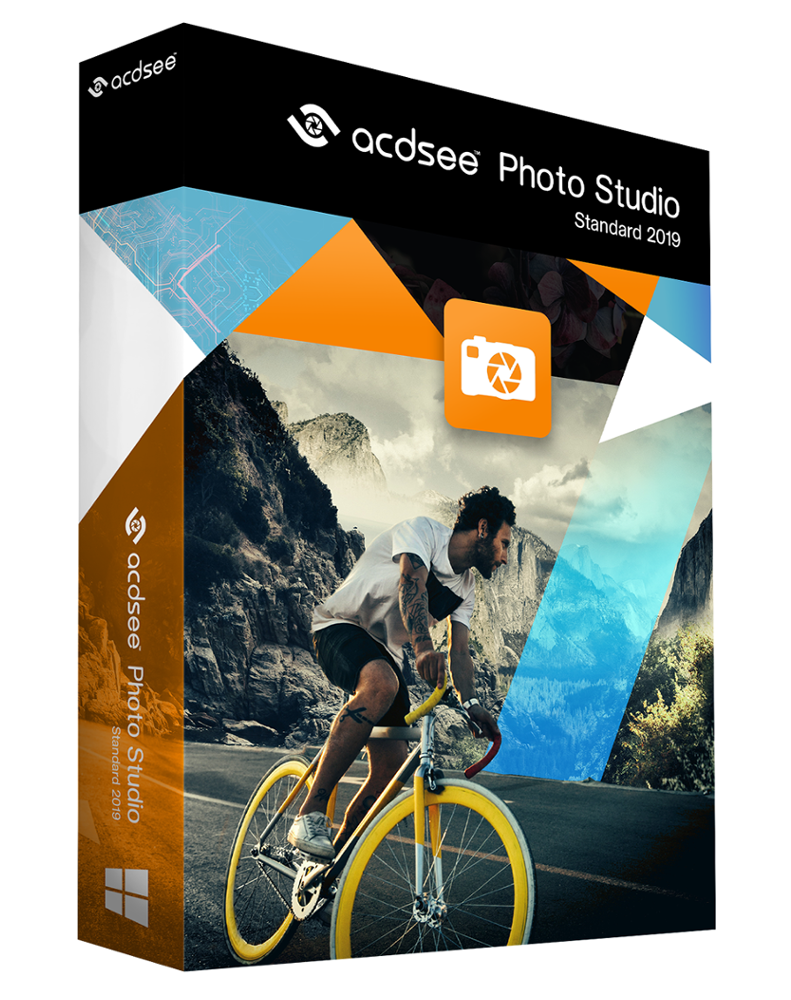
Overview
What is Photo studio standard 2019?
On of the top digital asset manager on the market, ACDSee Photo Studio Standard 2019 is designed to keep your workflow flowing, packed with tools to help you organize your growing photo collection.
In depth
A closer look at Photo studio standard 2019
More tools than ever to control color, print outcomes, and saving, to claim your work as your own, to optimize your organizational methods, and much more, add further value to this dependable software.
Features:
Import and apply Color Lookup Tables—files that instruct ACDSee to map specific RGB values to other specific color values, essentially creating a color grading preset—giving you access to a spectrum of possibilities. Brush on, graduate linearly or radially, and generally adjust Color LUTs as you would with any other Edit mode filter for flexible enhancements.
Apply fine-tuned adjustments with a toolkit of precision filters. Handle geometric imperfection with cropping, flipping, resizing, and rotation tools. Correct flaws, red eye, blurriness, noise, and clarity. Liven things up by adding text, borders, vignettes, watermarks, and even draw on your image. Select the minute parts of your images you want to impact. Brush on special effects, alterations, and improvements to make your photos exactly what you want them to be.
Verdict
Should you download Photo studio standard 2019?
Photo studio standard 2019 runs on
Windows 10/11
and is available under the
Shareware
license
— the installer is 1.4 MB.
We’ve catalogued it under
Multimedia and Presentation.
✓
Verified clean. Every Photo studio standard 2019 build on SoftLookup is scanned for viruses, spyware, adware, trojans and backdoors. We re-test on every update.
Sponsored
At a glance
Photo studio standard 2019 specifications
- Last updated
- Feb 11, 2025
- License
- Shareware
- Operating system
- Windows 10/11
- File size
- 1.4 MB
- Price
- $39.99
- Page views
- 606
Help fellow users decide. Share your experience with Photo studio standard 2019.