Krita Review: Free Digital Painting Software for Artists in 2026
Krita isn’t trying to be everything for everyone.
And honestly, that’s why people like it.
Where GIMP feels like a general image editor, Krita feels like it was made for artists. If you draw characters, paint backgrounds, sketch concept art, make comics, or just want a free program that understands brushes, tablets, and creative workflows, Krita deserves a serious look.
It’s free and open source, but it doesn’t feel like a tiny hobby tool. The brush engine, painting workspace, animation tools, and artist-focused interface are the real reasons people keep recommending it.
Here’s the easy way to think about it: if you want to edit a photo, try GIMP or Photopea. If you want to paint a dragon, design a character, or sketch a comic panel, try Krita first.
- What Krita is best for
- Why artists use it instead of Photoshop
- Where Krita beats general photo editors
- Where GIMP, Photopea, or Inkscape may be better
- Whether Krita is the right free art tool for you
Quick Verdict: Should You Use Krita?
Use Krita if you want free digital painting software for illustration, comics, concept art, storyboards, or brush-heavy creative work. Skip it if you mainly need basic photo editing, quick online edits, or template-based social graphics.
Best for
- Digital painting and drawing
- Illustrators and concept artists
- Comic and manga creators
- Drawing tablet users
- Artists who want free open-source software
Not ideal for
- Simple photo retouching
- Quick browser edits
- Template-based graphics
- Users who only need cropping and resizing
Krita Snapshot
| Software | Krita |
|---|---|
| Category | Digital painting / illustration / raster graphics editor |
| Platforms | Windows, macOS, Linux, Android, ChromeOS |
| Price | Free and open source |
| Best for | Digital painting, comics, illustration, concept art, storyboards |
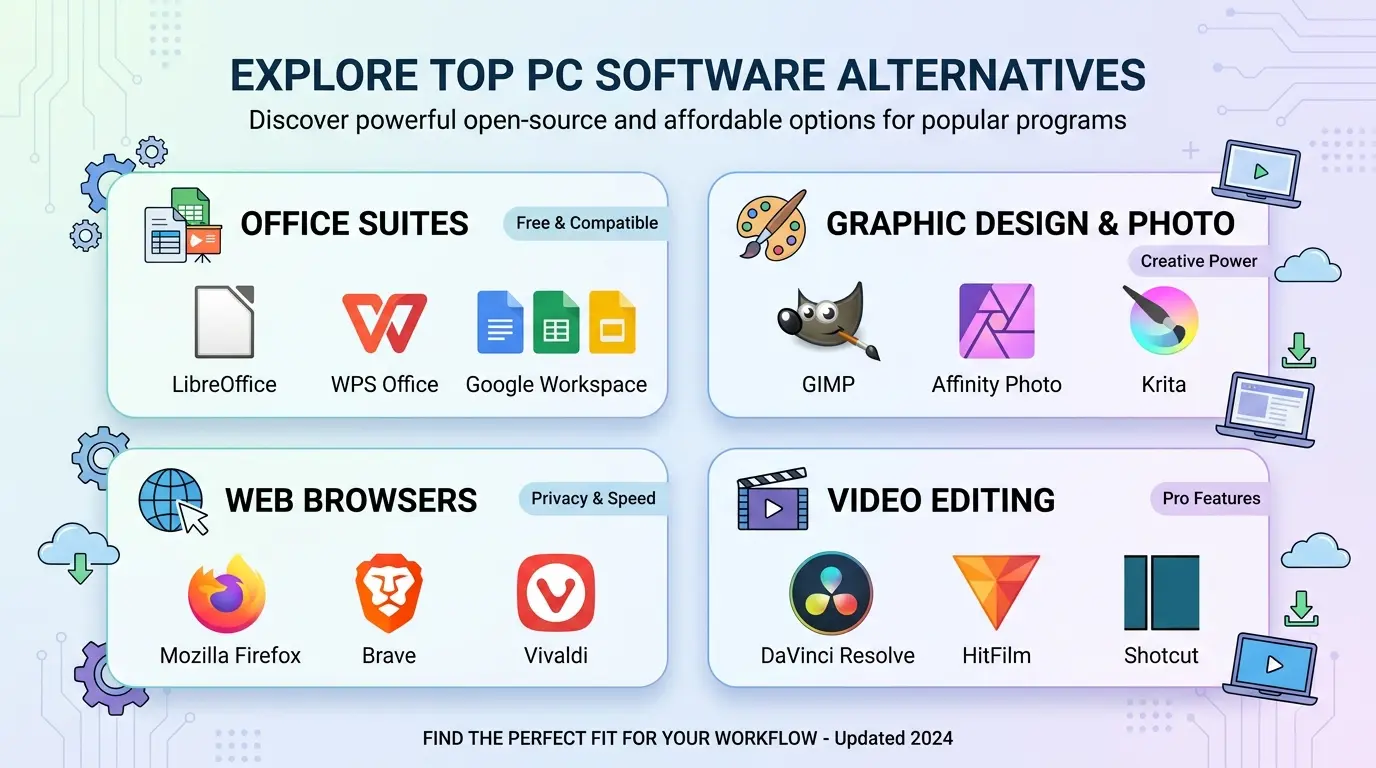
| Best alternatives | GIMP, Photopea, Inkscape, FireAlpaca, MediBang Paint |
What Is Krita?
Krita is a free and open-source painting program made for artists. It’s designed for digital painting, illustration, comics, concept art, texture work, and creative drawing workflows.
The official Krita site describes it as a professional free and open-source painting program made by artists who want affordable art tools for everyone. That positioning matters, because Krita is not just a general image editor with a few brushes added on top.
It’s more focused than that.
Krita gives you a full painting workspace, brush customization, layers, masks, stabilizers, color tools, animation features, and a layout that makes sense if your main job is creating art from a blank canvas.
Why People Use Krita Instead of Photoshop
Photoshop can absolutely be used for digital painting, but not everyone wants to pay for Photoshop just to draw.
A student learning illustration, a hobby artist sketching characters, or a comic creator building panels at home may not need the entire Adobe ecosystem. They need brushes, layers, a tablet-friendly workspace, and export options that don’t get in the way.
Krita fits that exact need.
It also feels less like a compromise than some free tools. You may need time to learn it, sure, but once you start painting with it, the tool starts to make sense.
Key Krita Features
- Professional painting and drawing workspace
- Customizable brushes and brush engines
- Layer-based editing
- Drawing stabilizers
- Comic and illustration workflows
- Animation tools
- HDR painting and color management features
- Python scripting and plugin support
- Open-source license
- Cross-platform desktop support
What Krita Does Well
Krita is strongest when you treat it as a digital art studio. It’s not trying to make quick social posts. It’s trying to help you draw, paint, ink, shade, and build artwork from start to finish.
If you’ve ever opened a general photo editor and felt like the brushes were an afterthought, Krita feels different. The painting tools are the center of the experience.
✓ Pros
- Free and open source
- Excellent for digital painting
- Strong brush customization
- Good for comics and concept art
- Works with drawing tablets
- Includes animation features
- Made with artists in mind
✗ Cons
- Not ideal for basic photo editing
- Can feel complex for beginners
- Not browser-based
- Less useful for template designs
- May be overkill for simple resizing or cropping
- Professional print/photo users may still need other tools
Where Krita Falls Short
Look, Krita is wonderful for art, but it’s not the tool I’d pick for every image task.
If you need to remove a background from a product photo, GIMP or Photopea may be more natural. If you want to make a quick Instagram post, Canva is easier. If you need vector logos, Inkscape is the better match.
Krita’s strength is focused creative work. When you use it outside that lane, it can feel heavier than necessary.
Best Free Krita Alternatives
Krita is one of the best free drawing programs, but these tools may fit better depending on your project.
1. GIMP — Best for Photo Editing
GIMP is better if your main work is retouching photos, editing images, and doing general raster graphics work.
2. Photopea — Best Online Photoshop-Style Editor
Photopea is better if you need a browser-based tool, especially for editing PSD files without installing anything.
3. Inkscape — Best for Vector Graphics
Inkscape is the better choice for logos, icons, SVG files, and scalable vector illustrations.
4. FireAlpaca — Lightweight Drawing Alternative
FireAlpaca is easier and lighter for casual drawing, especially for users who want a less intimidating interface.
5. MediBang Paint — Good for Comics and Manga
MediBang Paint is worth comparing if your main goal is comics, manga, or cloud-connected drawing workflows.
Best Online Alternatives to Krita
If you don’t want to install anything, Krita may not be the best fit. Try these instead:
- Photopea — best for online PSD and layered editing
- Pixlr — best for quick browser image edits
- Canva — best for templates and social media graphics
- Sketchpad — simple browser sketching tool
For real painting, though, desktop software usually feels better.
Krita vs GIMP vs Photopea vs Photoshop
| Tool | Free? | Online? | Best For | Beginner Friendly? |
|---|---|---|---|---|
| Krita | Yes | No | Digital painting and illustration | Medium |
| GIMP | Yes | No | Free desktop photo editing | Medium to hard |
| Photopea | Free access available | Yes | PSD editing in browser | Medium |
| Photoshop | Trial / paid | Limited web options | Professional Adobe workflows | Medium |
| Inkscape | Yes | No | Vector graphics | Medium |
When You Should Use Krita
Choose Krita if your main goal is creating art, not just editing an existing image. It’s a good fit for:
- digital painters
- comic artists
- concept artists
- illustrators
- storyboard artists
- drawing tablet users
- students learning digital art without paying for Adobe tools
When You Should Pick Something Else
Pick GIMP if you want photo editing. Pick Photopea if you want browser-based PSD editing. Pick Inkscape if you need vector logos. Pick Canva if you want fast templates.
Krita is the artist’s choice in this group, and that’s really the point.
Safe Download Notes
Download Krita only from the official Krita website or a trusted software directory. Avoid fake “Krita Pro” or “free Photoshop drawing edition” download pages from unknown sources.
Editors: add Softlookup’s verified download link here if available.
Frequently Asked Questions
Is Krita free?
Yes. Krita is free and open-source software.
Is Krita good for beginners?
Yes, but beginners should expect a learning curve. It helps if you’re already interested in drawing or painting.
Is Krita better than GIMP?
For digital painting, Krita is usually better. For photo editing, GIMP is usually the better fit.
Can Krita replace Photoshop?
For many artists, yes. For professional Adobe workflows, Photoshop may still be needed.
Does Krita work with drawing tablets?
Yes, Krita is commonly used with drawing tablets.
What is the best online alternative to Krita?
Photopea is stronger for browser-based layered editing, while browser sketch tools may be easier for quick drawing.