3D pool physics
Watch balls collide, rebound from cushions and roll across a full 3D table with a cue-based shooting system.
Step into a classic pool hall and play free 8 ball pool online, in 3D, right in your browser on desktop or mobile. Practice your shots, challenge the computer, play local two-player pool, or switch from American 8 ball to Free Pyramid when you want a different kind of table.

Pool Hall Legends is a free browser-based 3D pool and billiards game. The game opens on its own dedicated play page so the table can use the full browser viewport without crowding this guide and game information page. Choose American 8 ball or Free Pyramid, practice your shots, face the computer, or play local two-player pool.
Open Pool Hall Legends in the dedicated game player. No download or account is required; just launch the game and start playing.
For the best desktop experience, use a current version of Chrome, Edge or Firefox with JavaScript and WebGL enabled.
Pool Hall Legends keeps the focus on aiming, cue power, ball contact, rebounds and pocket selection. It combines familiar 8 ball billiards with several ways to play, whether you want a quick solo practice session or a full match against another player or the computer.
Watch balls collide, rebound from cushions and roll across a full 3D table with a cue-based shooting system.
Play the classic solids-and-stripes pool format with the black 8 ball as the final target.
Change the pace with a second billiards rule set inspired by Russian pyramid-style play.
Face a bot when you want a complete pool match without waiting for another player.
Share one device and take turns at the table for a simple head-to-head billiards match.
Work on aim, shot strength, angles and position play without the pressure of a competitive match.
These screenshots are captured from the actual browser game. See American 8 ball pool, 3D billiards physics, Player vs Bot, local two-player pool, Free Pyramid and the aiming and cue-power controls before you launch a match.
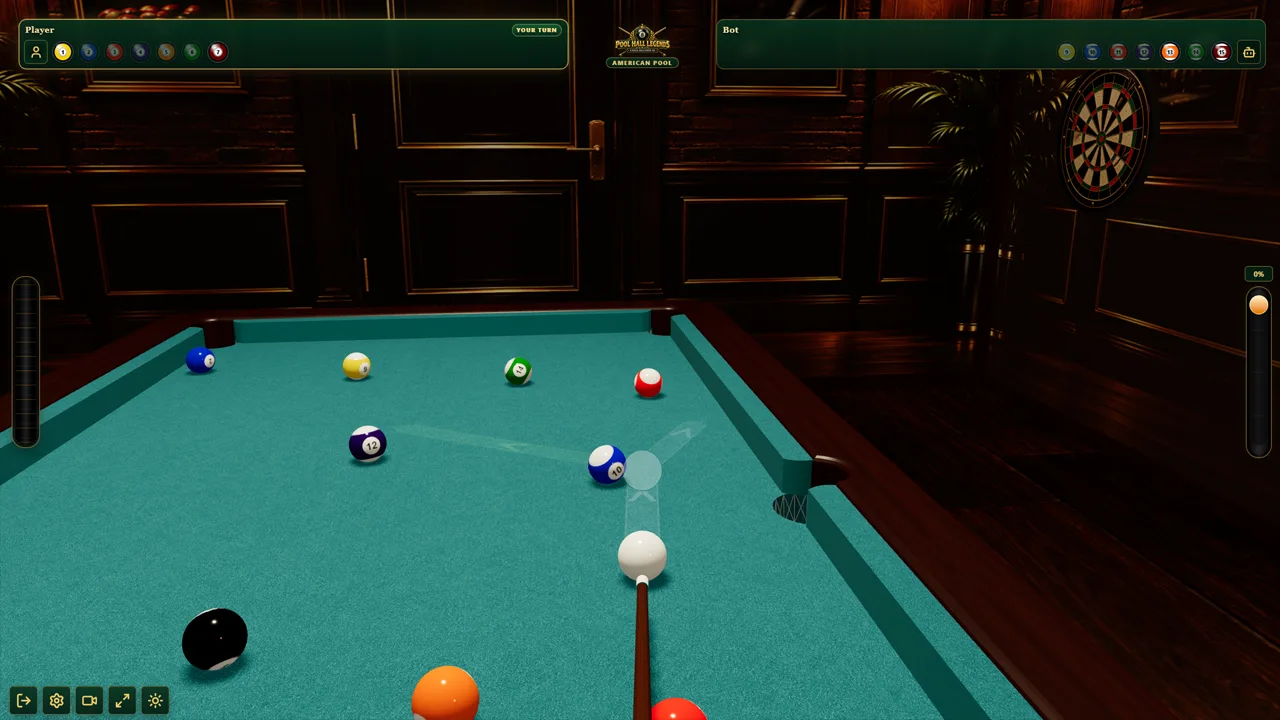

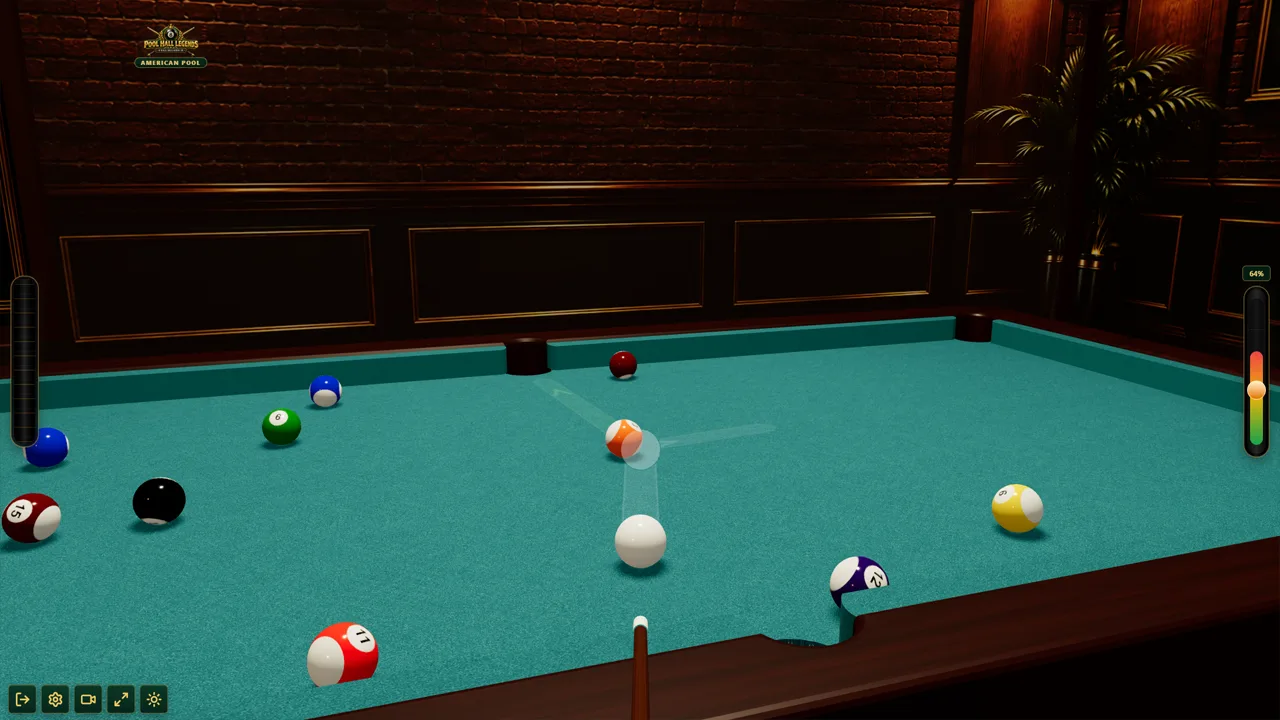
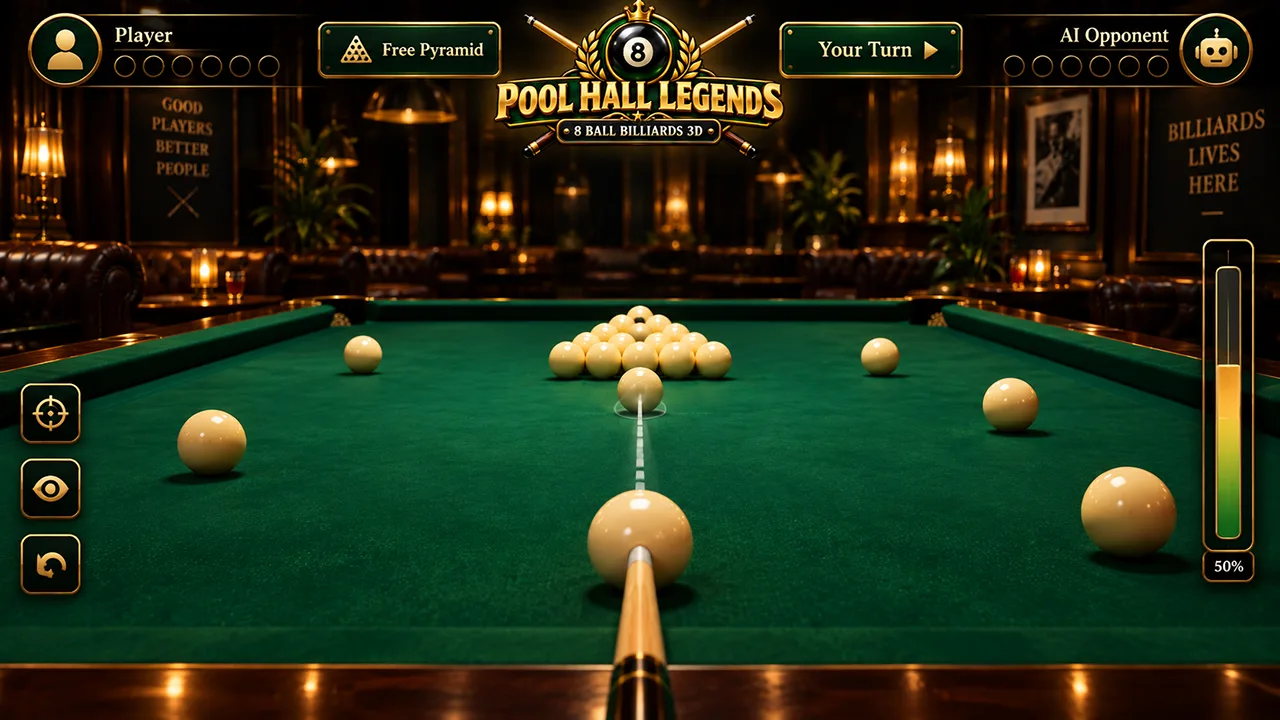
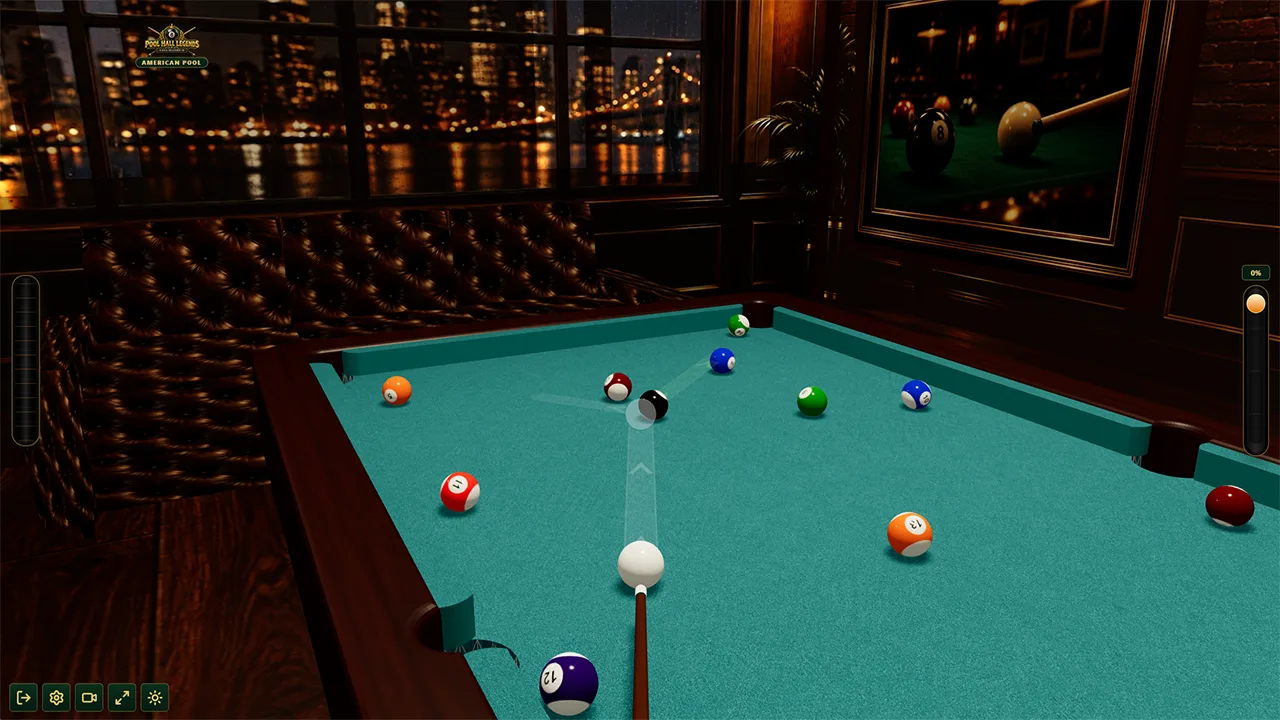
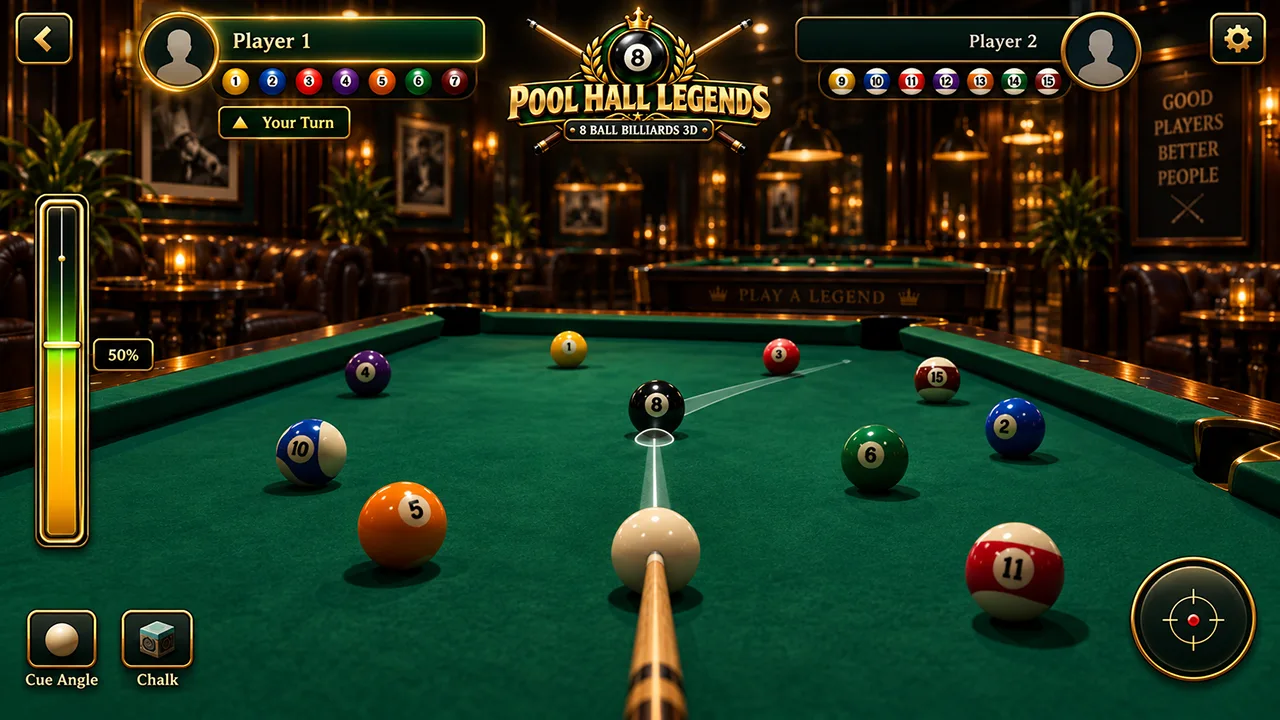
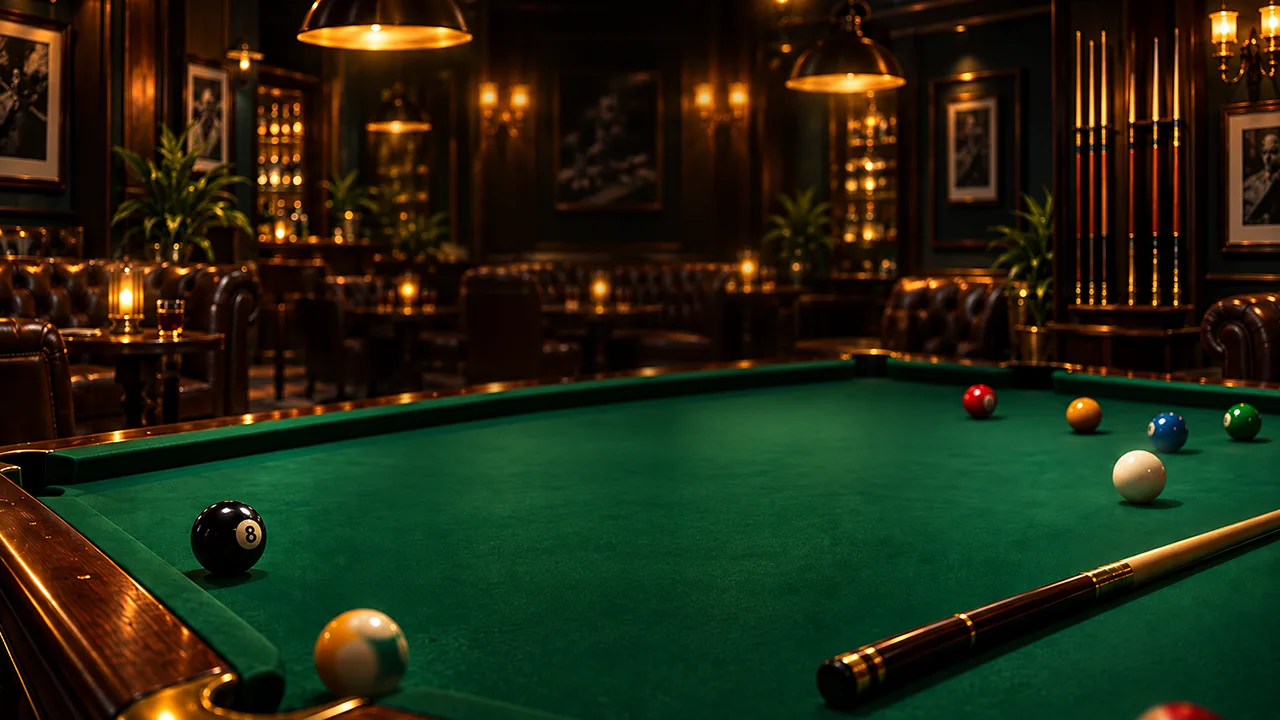
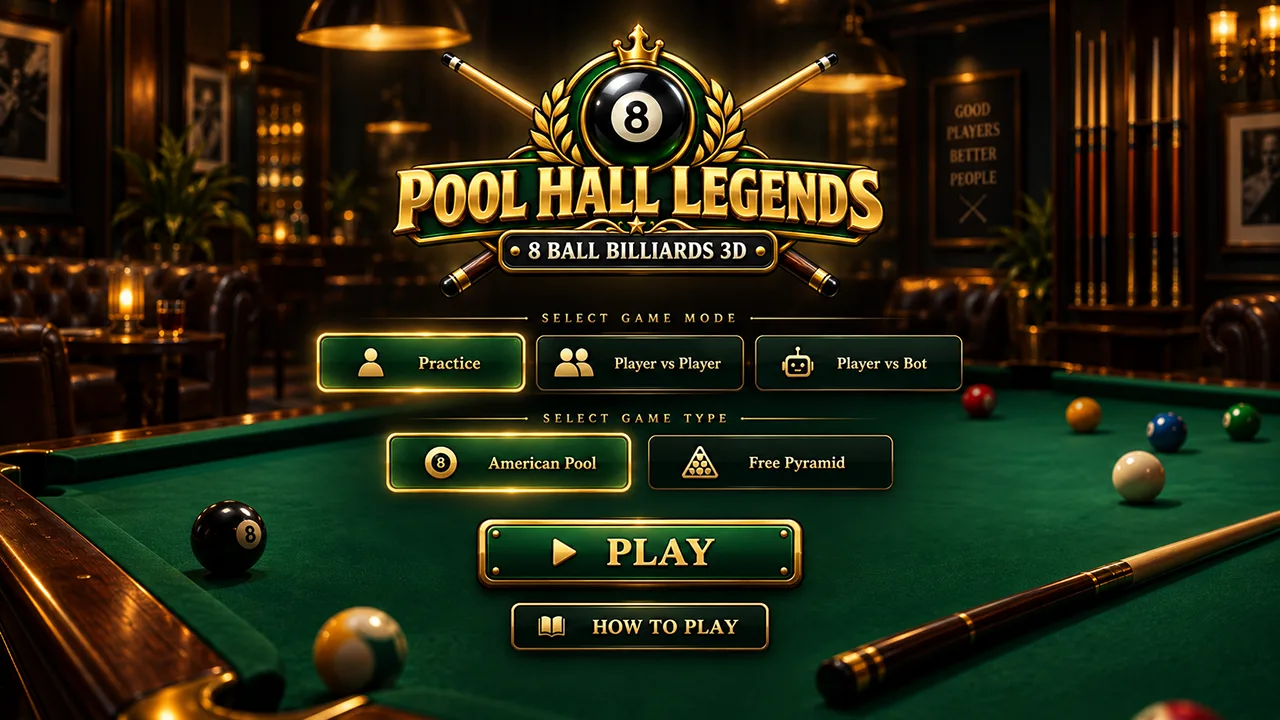
Watch the official gameplay promo to see the table, cue controls and match flow before you play. The video highlights American 8 ball pool, Player vs Bot, local two-player billiards, practice mode, Free Pyramid and the game's 3D pool-hall presentation.
Pool Hall Legends is designed around readable shot lines, controlled cue power and cue-ball position. The official video shows real game footage so you can see how the 3D table, ball collisions, pockets and different match modes work in the browser.
Pool Hall Legends is built for more than one kind of billiards session. You can learn the table without an opponent, play a complete 8 ball pool match against the computer, hand the table back and forth in local two-player mode, or switch from American Pool to Free Pyramid when you want a different scoring and shot-selection challenge.
American Pool uses the familiar solids-and-stripes setup. The table starts open; once a player legally pockets a solid or stripe and claims that group, the goal is to clear the remaining balls from that group before finishing with the black 8 ball. That makes every shot a combination of pocket selection and position play: pocketing a ball helps only if the cue ball finishes somewhere useful for what comes next.
Pool Hall Legends lets you study the table in 3D, line up cut shots and cushion routes, control shot strength and decide whether to attack a pocket or play for a safer next position. If you are new to the rules, Softlookup's complete 8 ball pool rules guide explains breaks, groups, fouls and the 8 ball in more detail.
Player vs Bot turns the browser game into a complete single-player pool match. You take your shot, the game changes turns, and the computer opponent plays from the resulting table position. It is a useful step up from Practice because a missed opportunity matters: a poor cue-ball leave can become an easy opening for the other side.
This mode is a good choice when you want to practice match decisions rather than isolated shots. Look beyond the easiest pocket, identify clusters and blocked paths, and try to leave the cue ball where your next object ball can be reached. The objective is not merely to make one ball—it is to keep control of the table.
Use it to practice complete racks, turn management and recovering from missed shots without needing a second player.
Player vs Player is local turn-based billiards for two people using the same device. There is no account setup or online lobby: start the match, take the first turn, then hand control to the other player when the turn changes. This makes it useful for quick head-to-head games on a desktop, laptop or compatible touch device.
Because both players share the same table and controls, the match stays focused on shot selection, power and position. Watch the turn indicator before playing and use the same aiming and power controls for each player.
Practice mode removes the pressure of a competitive opponent so you can concentrate on the mechanics of the shot. Use it to learn how much power a long shot needs, how the cue ball leaves a collision, how cushions change direction, and where the aiming line places the contact point. It is also the easiest place to become comfortable with the camera and fine-aim controls.
A productive practice session is not only about making difficult pockets. Repeat simple shots at different strengths and watch where the cue ball finishes. Once you can predict the leave, the same knowledge becomes useful in Player vs Bot and local two-player matches.
Free Pyramid changes the feel of the match. Pool Hall Legends starts the mode by asking you to place the cue ball in the baulk area before the break. Instead of solids and stripes, pocketed object balls count toward your score. A legal pocket scores a point and lets the same player continue shooting; a turn with no scoring ball passes play to the opponent.
The first player to reach 8 pocketed balls wins. Pocketing the cue ball is a foul: object balls pocketed on that foul are restored to the table, the turn changes, and the opponent receives ball in hand from the baulk area. This makes cue-ball control especially important—you want to score without losing the cue ball into a pocket.
The controls are designed around the same sequence as a real pool decision: first line up the shot, then make small aim corrections, choose the strength of the cue and strike. Desktop and touch devices use the same core game systems with input adapted to each screen.
Hold the left mouse button on the table and move left or right to rotate the cue. Move the mouse up or down while dragging to adjust the camera angle. For smaller corrections, use the fine-aim control on the left side of the game interface.
On a touch screen, drag on the table with one finger to rotate the cue. Moving up or down changes the camera angle. The on-screen fine-aim control can be dragged when you need a smaller adjustment before committing to the shot.
Use the round power handle and pull it down to set the shot strength. More pull gives the cue more power; less pull is useful when you want a controlled shot and a shorter cue-ball travel distance. The left drum provides smooth cue movement.
High power is useful for the break, long-distance shots and strong cushion rebounds. Lower power is often better when the object ball is close to the pocket or when leaving the cue ball in a precise area matters more than speed.
Pocketing the current ball is only half the job. Before you shoot, look at the likely path of the cue ball after contact and ask whether it will leave a clear line to the next target. A slightly easier pocket with a better leave can be more valuable than a spectacular shot that sends the cue ball into traffic.
Cushions can create routes when a direct path is blocked. Practice different approach angles and powers so you learn how quickly the balls lose speed after contact. In a match, that knowledge helps you decide when to attack and when to leave the table safer.
Pool Hall Legends uses a 3D table and physics simulation for ball movement and collisions. Shots can send balls into one another, across cushions and toward six pockets while the cue ball continues moving according to the contact and shot strength. That makes power selection part of strategy rather than a simple difficulty slider: the same aiming line can produce a very different next position when the shot is played softly instead of at full strength.
Start by learning direct shots, then experiment with cut angles and cushion rebounds. When several balls are clustered together, consider whether a strong shot will open the table or create more problems. When the table is already open, controlled speed can help keep the cue ball away from pockets and close to the center, where more future shots are usually available.
The game includes multiple camera and aiming tools so you can read the table before shooting. Practice mode is the best place to experiment, while Player vs Bot and local Player vs Player turn those same mechanics into match decisions where every miss can hand the table to an opponent.
Game information updated September 16, 2026.Want to improve before your next match? These Softlookup pool guides explain the rules and techniques behind 8 ball billiards in plain English.
Yes. Pool Hall Legends: 8 Ball Billiards 3D is free to play from the dedicated browser game page.
No separate game download is required. The web version runs in a compatible browser with JavaScript and WebGL enabled.
Yes. Choose Player vs Bot to play a complete billiards match against the computer. Practice mode is also available when you want to work on shots without an opponent.
Yes. Player vs Player is a local turn-based mode for two people sharing the same device. It does not require an online lobby or account.
Hold the left mouse button on the table and move left or right to rotate the cue. Moving up or down while dragging adjusts the camera angle. Use the fine-aim control for smaller corrections.
Drag on the table with one finger to rotate the cue and move up or down to adjust the camera angle. The on-screen fine-aim and power controls are designed to work with touch input.
Pull the round power handle downward to set strength. Higher power is useful for breaks and long shots; lower power gives more control when you are trying to leave the cue ball in a specific area.
Free Pyramid is an alternative billiards mode where pocketed object balls score points. A legal scoring shot lets you continue, the first player to reach 8 pocketed balls wins, and pocketing the cue ball is a foul that gives the opponent ball in hand from baulk.
The cue-ball pocket is treated as a foul. Object balls pocketed on that foul turn are restored, play passes to the opponent, and the opponent receives ball in hand from the baulk area.
Yes. Practice mode lets you work on aiming, shot strength, cushion angles and cue-ball position without the pressure of a competitive opponent.
The game includes touch aiming and on-screen power controls for compatible mobile and tablet browsers. For the best experience, use a current browser with JavaScript and WebGL enabled.