Camtasia Alternatives: Free and Cheaper Screen Recorder + Video Editor Options in 2026
Camtasia is popular because it solves two problems in one place: screen recording and video editing.
That’s useful.
You record your screen, camera and microphone, then edit the result without jumping between five different apps. For training videos, tutorials, product demos, online lessons and support walkthroughs, that workflow makes sense.
But Camtasia is not always the best fit.
Some users don’t want another paid plan. Some only need recording. Some already have a video editor. Some prefer open-source tools. Some want something lighter for quick clips. And some teams can build a free workflow using OBS, ShareX, Audacity, Shotcut, Kdenlive and HandBrake.
It’s not as neatly packaged as Camtasia, but it can work surprisingly well.
A realistic setup: record a software tutorial with OBS, clean the voiceover in Audacity, edit the video in Shotcut, compress the export with HandBrake, and use ShareX for screenshots or GIFs. That’s a free creator workflow right there.
- Why people look for Camtasia alternatives
- The best free tools for screen recording
- The best editing tools to pair with OBS or ShareX
- When Camtasia is still worth paying for
- How to choose a recording/editing workflow that fits your team
Quick Verdict: Which Camtasia Alternative Should You Pick?
Use OBS Studio if you want the best free screen recorder. Use ShareX for screenshots, GIFs and quick capture workflows. Use Clipchamp, CapCut or ScreenPal if you want easier editing. Use Shotcut or Kdenlive if you want free desktop editing. Use Audacity for voice cleanup and HandBrake for compression.
Best alternatives by need
- OBS Studio — best free screen recorder and streaming tool
- ShareX — best free Windows screenshot/GIF/capture workflow
- Clipchamp — easy browser and Windows-friendly editor
- Shotcut — free open-source desktop video editor
- Kdenlive — deeper open-source multitrack editor
- Audacity — free voiceover and podcast audio cleanup
- HandBrake — free video compression after editing
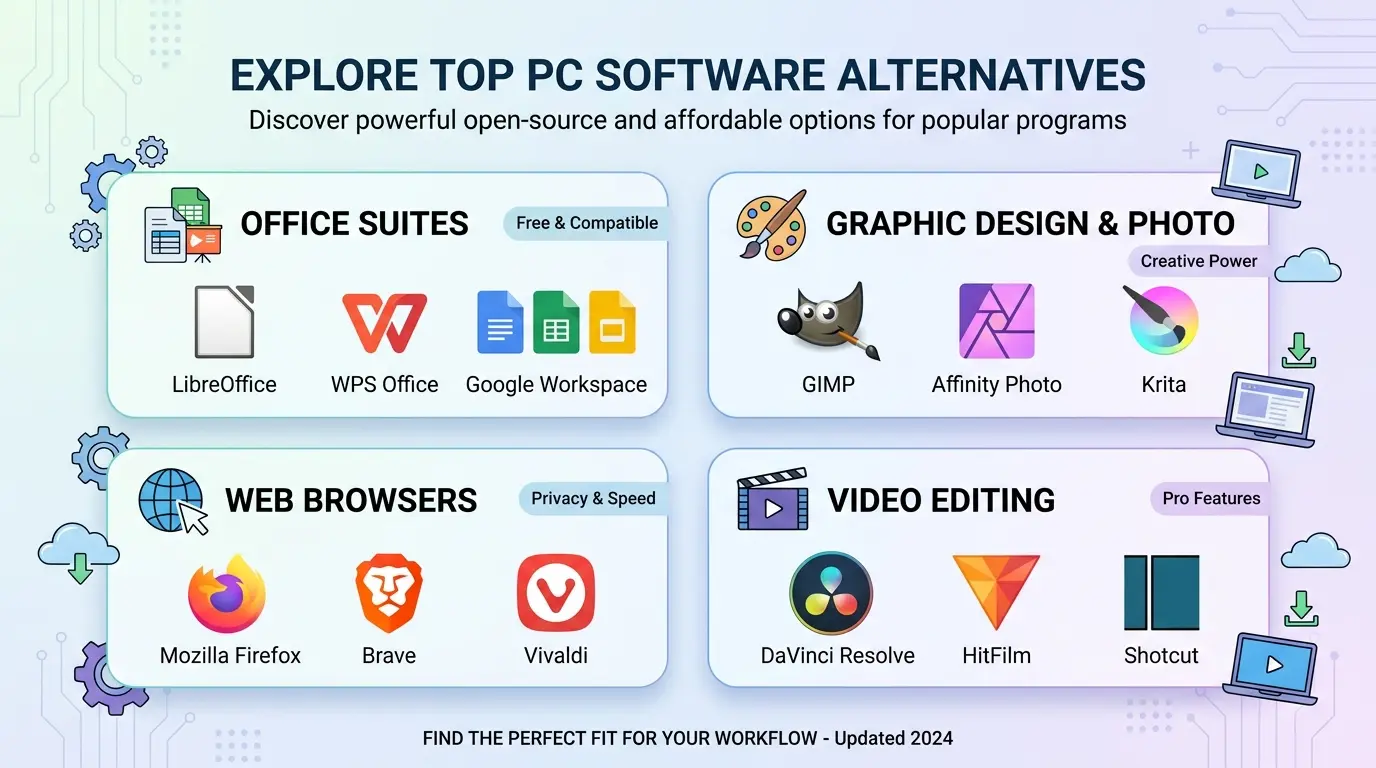
Camtasia Alternatives Snapshot
| Page type | Alternative guide / screen recorder and video editor comparison |
|---|---|
| Main search intent | Users want a free, cheaper or lighter replacement for Camtasia’s recording and editing workflow |
| Best free recorder | OBS Studio |
| Best screenshot/GIF capture tool | ShareX |
| Best easy editor | Clipchamp, CapCut or ScreenPal |
| Best open-source editors | Shotcut and Kdenlive |
| Best companion tools | Audacity for audio cleanup; HandBrake for compression; VLC for playback testing |
What Is Camtasia?
Camtasia is TechSmith’s screen recording and video editing software. TechSmith’s official Camtasia feature page lists screen recording, camera recording, audio recording, cursor tools, templates, effects and editing features. Its product page also emphasizes drag-and-drop editing, themes, templates and accessibility features.
TechSmith’s store page lists paid Camtasia plans, including Essentials, Create and Pro tiers, with prices shown yearly.
That makes Camtasia attractive for users who want one polished tool, but it also explains why many search for free or cheaper alternatives.
Why People Look for Camtasia Alternatives
Most users searching this keyword are not saying Camtasia is bad.
They’re asking if they can get the same job done for less.
- they need free screen recording
- they want no subscription or lower annual cost
- they already have a video editor
- they need open-source tools
- they only need screenshots or short GIFs
- they want lighter software for quick tasks
- they need a workflow for tutorials, demos and training videos
That’s the opportunity for this page: match the user’s real job to the right tool.
Best Camtasia Alternatives in 2026
1. OBS Studio — Best Free Screen Recorder
OBS Studio is free and open source, and its official site describes it as software for video recording and live streaming on Windows, Mac and Linux. It’s the best free replacement for Camtasia’s recording side, especially for screen, webcam, audio and scene-based workflows.
The tradeoff: OBS does not include a Camtasia-style editor. Pair it with Shotcut, Kdenlive, Clipchamp or CapCut.
2. ShareX — Best Free Screenshot, GIF and Quick Capture Tool
ShareX is perfect when the user needs screenshots, annotations, GIFs, OCR, uploads and quick capture automation rather than full lesson editing.
For documentation-heavy teams, ShareX can be more useful than a full video editor on many days.
3. Clipchamp — Best Easy Browser/Windows-Friendly Editor
Microsoft’s Clipchamp page lists free access with unlimited watermark-free exports up to 1080p, plus editing tools such as trim, crop and speed control. Clipchamp is easier than a full desktop editor for casual projects, though premium features and 4K needs should be checked.
4. Shotcut — Best Free Open-Source Desktop Editor
Shotcut is a good choice if the user wants free desktop timeline editing after recording with OBS.
5. Kdenlive — Best Deeper Open-Source Editor
Kdenlive is better for users who want multitrack editing, effects, transitions and a more serious open-source timeline workflow.
6. CapCut — Best Quick Social Video Editor
CapCut is useful if the output is short-form social content, captions, templates or fast creator videos.
7. Audacity — Best Free Audio Cleanup Companion
Audacity is not a Camtasia replacement, but it is excellent for cleaning voiceovers, editing narration and preparing podcast-style audio.
8. HandBrake — Best Free Video Compression Companion
HandBrake is what you use after editing if the file is too large. It converts and compresses the final video.
Camtasia vs OBS vs Clipchamp vs Shotcut vs Kdenlive
| Tool | Free? | Main Use | Best For | Beginner Friendly? |
|---|---|---|---|---|
| Camtasia | Paid / trial options | Recording + editing | Tutorials, training videos and demos | Easy to medium |
| OBS Studio | Yes | Recording and streaming | Free screen/webcam recording | Medium |
| Clipchamp | Free access / paid features | Browser video editing | Simple Windows-friendly videos | Easy |
| Shotcut | Yes | Timeline video editing | Free desktop editing projects | Medium |
| Kdenlive | Yes | Open-source non-linear editing | Multitrack desktop editing | Medium to hard |
When You Should Stay With Camtasia
Sometimes Camtasia is still the better choice.
Stay with Camtasia if you want screen recording and editing in one polished product, especially for training videos, product demos, course lessons, onboarding videos and support tutorials. Its official feature pages show it is designed around that combined workflow.
✓ Reasons to keep Camtasia
- Recording and editing in one app
- Good for tutorials and training
- Templates, cursor tools and effects
- Camera and microphone recording
- Easier than stitching together many tools
- Good for non-technical teams
- Professional support and product ecosystem
✗ Reasons to switch
- Paid plans may be too expensive for casual users
- Free tools can cover many workflows
- OBS is stronger for advanced recording
- Open-source editors may be enough
- ShareX is better for screenshots and GIFs
- Some users only need recording or compression
Best Alternative Workflows
Free tutorial workflow
Record with OBS Studio. Clean audio in Audacity. Edit in Shotcut or Kdenlive. Compress with HandBrake. Test with VLC.
Quick Windows workflow
Capture screenshots and GIFs with ShareX. Record simple clips with OBS or Clipchamp. Edit in Clipchamp.
Social video workflow
Record with OBS or phone camera. Edit in CapCut or Clipchamp. Compress with HandBrake if needed.
Documentation workflow
Use ShareX for screenshots, GIFs, OCR and annotations. Use OBS only when a longer recording is needed.
Safe Download Notes
Download screen recorders and video editors only from official websites, official app stores, trusted package managers or trusted software directories. Avoid cracked Camtasia downloads, fake “Camtasia free full version” installers and browser extensions from unknown publishers.
Editors: add Softlookup’s verified download/review links here where available.
Frequently Asked Questions
What is the best free Camtasia alternative?
OBS Studio is the best free alternative for screen recording. Pair it with Shotcut, Kdenlive, Clipchamp or CapCut for editing.
Is Camtasia free?
Camtasia is a paid TechSmith product with trial and online recording options.
Can OBS replace Camtasia?
OBS can replace Camtasia for recording and streaming, but it does not include the same built-in beginner-friendly video editor.
What is easier than Camtasia?
Clipchamp, CapCut and ScreenPal may feel easier for casual users, especially for short videos and simple edits.
What is the best Camtasia alternative for screenshots?
ShareX is the best free Windows option for screenshots, GIFs, annotations, OCR and capture automation.
What is the best Camtasia alternative for teachers?
OBS plus Clipchamp or Shotcut can work well for free. Camtasia may still be easier for teachers who want recording and editing in one paid product.