DaVinci Resolve Alternatives: Free and Easier Video Editors to Try in 2026
DaVinci Resolve is one of the most powerful video editors you can get without paying upfront.
That’s also the problem.
For some people, Resolve is amazing. You get editing, color correction, visual effects, motion graphics and audio post-production in one app. It’s serious software. The kind of tool that can grow with you for years.
But not everyone needs that much.
If you’re just trimming tutorials, editing YouTube clips, making quick social videos, cleaning up screen recordings, or working on an older PC, Resolve can feel like bringing a film studio to a coffee shop.
Sometimes you need power. Sometimes you need something lighter.
That’s where DaVinci Resolve alternatives make sense.
- Why people look for DaVinci Resolve alternatives
- The best free open-source video editors
- The easiest options for beginners and social videos
- When simple tools like Avidemux or HandBrake are enough
- How to choose the right editor for your PC and workflow
Quick Verdict: Which Alternative Should You Pick?
Choose Kdenlive if you want a serious free open-source timeline editor. Choose Shotcut if you want a slightly simpler open-source desktop editor. Choose CapCut or Clipchamp if you want quick social videos. Choose Avidemux if you only need simple cutting. Choose HandBrake if you only need video conversion or compression.
Best alternatives by need
- Kdenlive — best open-source multitrack editor
- Shotcut — best simpler open-source desktop editor
- CapCut — best for quick social/mobile videos
- Clipchamp — best built-in Windows-friendly online editor
- Avidemux — best for simple cutting
- HandBrake — best for conversion and compression
Stay with DaVinci Resolve if you need
- professional color grading
- advanced audio post-production
- visual effects and motion graphics
- serious long-term editing growth
- a full all-in-one post-production suite
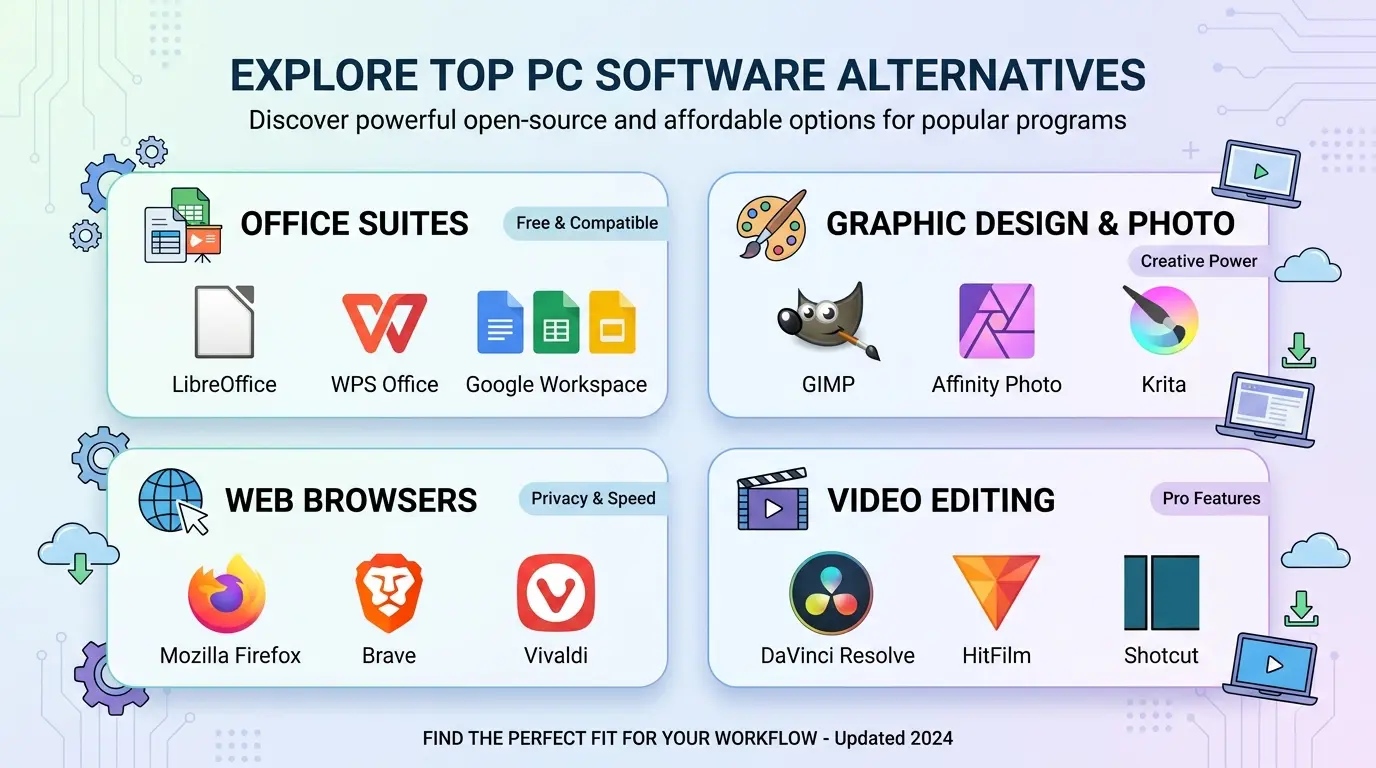
DaVinci Resolve Alternatives Snapshot
| Page type | Alternative guide / video editor comparison |
|---|---|
| Main search intent | Users want a free, easier, lighter or open-source replacement for DaVinci Resolve |
| Best free open-source alternative | Kdenlive or Shotcut |
| Best beginner/social option | CapCut or Clipchamp |
| Best simple cutting tool | Avidemux |
| Best conversion companion | HandBrake or Shutter Encoder |
| Best for professional work | DaVinci Resolve itself, or paid editors like Premiere Pro and Final Cut Pro |
Why Look for a DaVinci Resolve Alternative?
DaVinci Resolve is powerful. Blackmagic Design describes it as an all-in-one solution for editing, color, VFX, motion graphics and audio. Its official download page also lists professional editing tools, titles, transitions and effects. But that power can be more than some users need.
Common reasons people look for alternatives:
- Resolve feels too heavy for their computer
- the interface has too many panels and pages
- they only need simple timeline editing
- they want open-source software
- they want mobile or browser-based editing
- they only need trimming, compression or format conversion
That last one is big. A lot of people searching for a video editor don’t actually need a full editor.
They need one job done.
Best DaVinci Resolve Alternatives in 2026
1. Kdenlive — Best Free Open-Source Multitrack Editor
Kdenlive is the best place to start if the user wants serious open-source timeline editing. It supports multitrack video and audio editing, effects, transitions, proxy workflows and broad format support.
It’s not as polished as Resolve, but it gives users a real editing environment without subscriptions.
2. Shotcut — Best Simpler Open-Source Desktop Editor
Shotcut is a good alternative for users who want a real timeline editor but prefer something that may feel a bit simpler than Kdenlive or Resolve.
It’s free, cross-platform and suitable for YouTube videos, tutorials, basic edits and screen recording cleanup.
3. CapCut — Best for Fast Social Videos
CapCut makes more sense when the user wants quick social videos, vertical clips, captions, templates and mobile-friendly editing.
It’s not a Resolve replacement for professional post-production, but it can be much faster for TikTok, Instagram Reels, Shorts and casual creator work.
4. Clipchamp — Best Easy Windows-Friendly Online Editor
Clipchamp is useful for Windows users and beginners who want a browser-style editor for simple videos. It’s not as powerful as Resolve, but it’s easier for basic cuts, templates and quick exports.
5. Avidemux — Best for Simple Cutting
Avidemux is not a full editor. That’s why it’s useful. If the task is only trimming, cutting, filtering or encoding a clip, Avidemux can be faster than opening Resolve.
6. HandBrake — Best for Video Compression and Conversion
HandBrake is not a video editor, but many users need it more than they need Resolve. Use it to convert or compress finished videos into MP4, MKV or WebM.
7. Shutter Encoder — Best Creator-Friendly Converter
Shutter Encoder is a good choice for creators who want FFmpeg-powered conversion and processing in a visual tool.
DaVinci Resolve vs Kdenlive vs Shotcut vs CapCut
| Tool | Free? | Main Use | Best For | Beginner Friendly? |
|---|---|---|---|---|
| DaVinci Resolve | Free version / paid Studio | Professional editing suite | Editing, color, VFX, audio and finishing | Medium to hard |
| Kdenlive | Yes | Open-source non-linear editing | Multitrack desktop editing | Medium to hard |
| Shotcut | Yes | Open-source timeline editing | Free desktop editing projects | Medium |
| CapCut | Free access with paid features | Social video editing | Short-form and mobile videos | Easy |
| Avidemux | Yes | Simple editing and encoding | Cutting and basic processing | Medium |
When You Should Stay With DaVinci Resolve
Sometimes the answer is: don’t switch.
Stay with Resolve if you need professional color correction, node-based grading, Fusion VFX, Fairlight audio tools, advanced editing, Blackmagic Cloud collaboration or a serious post-production pipeline.
Also, if you want to grow into professional editing, Resolve gives you room to grow.
✓ Reasons to keep Resolve
- Professional all-in-one editing suite
- Excellent color grading
- VFX and motion graphics tools
- Advanced audio post-production
- Free version is very capable
- Strong long-term learning value
- Good for serious creators and professionals
✗ Reasons to switch
- Can feel heavy on lower-spec PCs
- Learning curve is real
- More tools than casual users need
- Not ideal for quick template-based social videos
- Project setup may feel slow for tiny edits
- Some Studio features require payment
When a Simple Tool Is Better Than Resolve
If you only need to trim a clip, use Avidemux. If you only need to compress a video, use HandBrake. If you only need to record your screen, use OBS. If you only need to play a file, use VLC.
Look, there’s no prize for using the most powerful software for the smallest task.
The best tool is the one that gets the job done without slowing you down.
Best Alternatives by User Type
For beginners
Try CapCut, Clipchamp, OpenShot or Shotcut.
For open-source users
Try Kdenlive, Shotcut, Avidemux and Blender’s video editor if you’re already in the Blender ecosystem.
For YouTube creators
Try Kdenlive or Shotcut for desktop editing. Use OBS for recording and HandBrake for compression.
For low-spec PCs
Try Shotcut, Avidemux or lighter workflows. Editors should test performance before making strong claims.
For professional work
Stay with DaVinci Resolve or compare Premiere Pro, Final Cut Pro and paid Resolve Studio depending on the workflow.
Safe Download Notes
Download video editors only from official websites, official app stores, trusted package managers or trusted software directories. Avoid fake “Pro” versions, repacked installers, cracked editors and downloads that bundle unwanted software.
Editors: add Softlookup’s verified download/review links here where available.
Frequently Asked Questions
What is the best DaVinci Resolve alternative?
Kdenlive and Shotcut are strong free open-source desktop alternatives. CapCut and Clipchamp are easier for quick social videos.
Is DaVinci Resolve free?
Yes, DaVinci Resolve has a free version. DaVinci Resolve Studio is the paid professional version.
Why look for a DaVinci Resolve alternative?
Resolve can feel heavy, technical or more powerful than casual users need, especially for quick edits or lower-spec computers.
Is Kdenlive a good DaVinci Resolve alternative?
Yes, Kdenlive is a strong free open-source alternative for multitrack timeline editing.
Is Shotcut easier than DaVinci Resolve?
For many users, yes. Shotcut is still a timeline editor, but it may feel simpler than Resolve for basic projects.
What is the easiest DaVinci Resolve alternative?
CapCut, Clipchamp and OpenShot may feel easier for beginners. Shotcut is a good middle-ground free desktop editor.